
Pastel Y2K Fashion
Create a premium horizontal product campaign image for a modern personal-care brand. Show diverse models around clean packaging, soft daylight, pastel styling, and polished editorial composition.
Create high-quality AI images on hyimage.art. Turn prompts or reference images into portraits, product shots, posters, and social visuals in seconds.
Generate your first image to see it here.
No images generated yet Enter a prompt to generate your first AI image. Your results will appear here.
Start creating for free. Credit cost is shown before generation.
Explore AI-generated portraits, posters, product shots, concept art, and campaign images created from prompts or reference images.
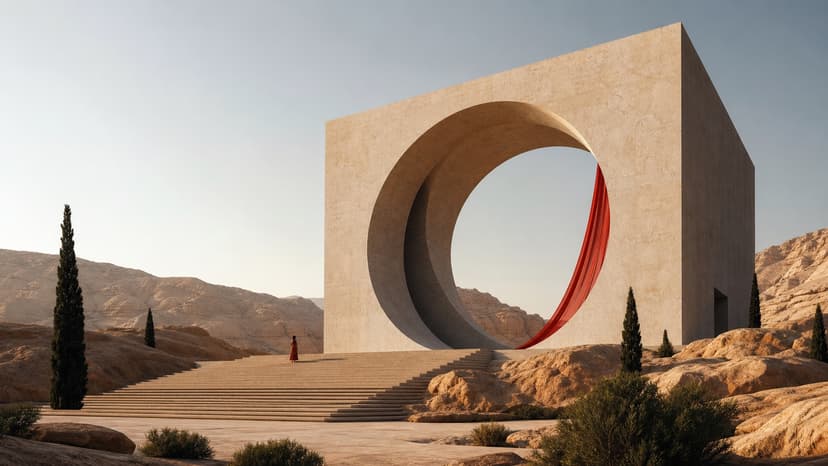
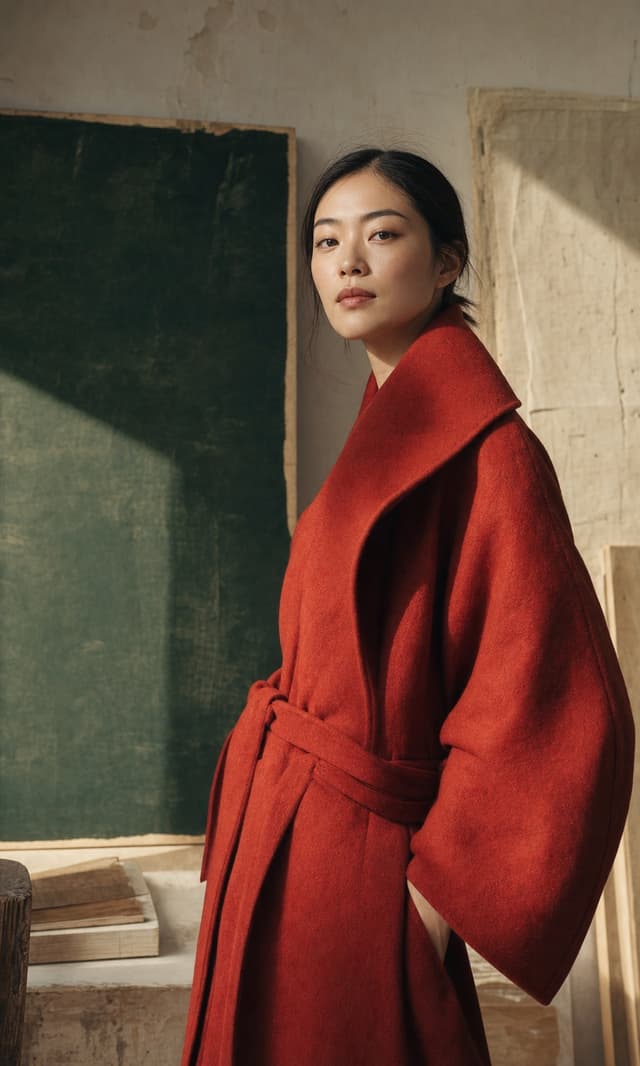
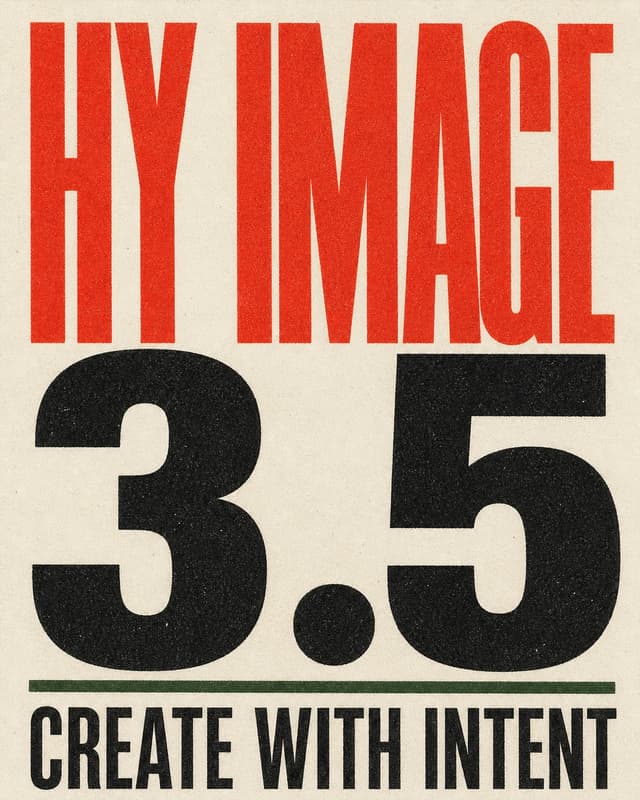
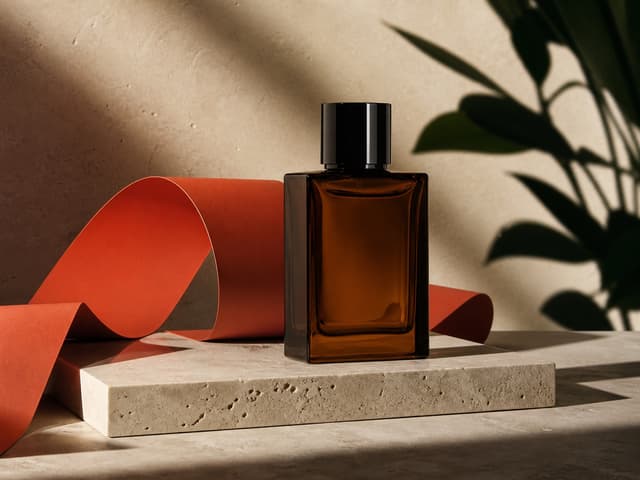
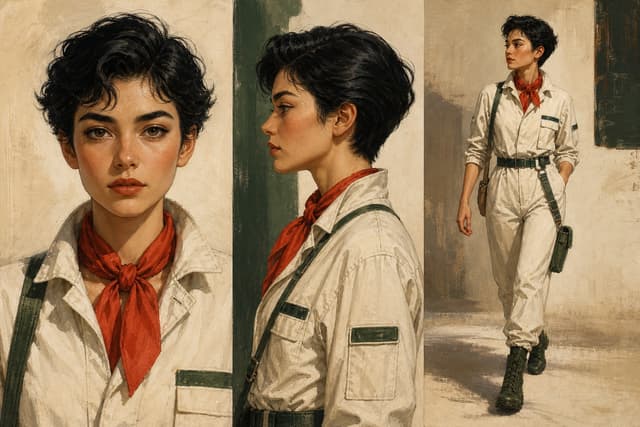
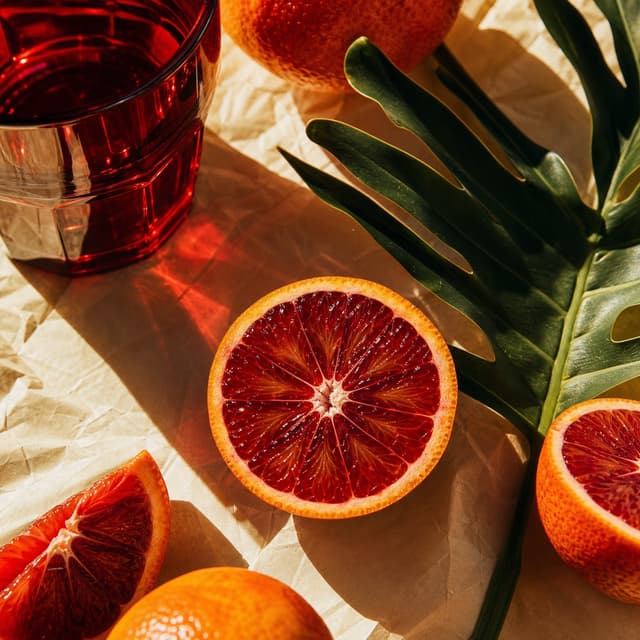


Start from a proven creative direction, copy the prompt, then tune model, ratio, and resolution for your next AI image.
Create a premium horizontal product campaign image for a modern personal-care brand. Show diverse models around clean packaging, soft daylight, pastel styling, and polished editorial composition.

Create a polished social media lifestyle collage with surreal fitness, reflective surfaces, clean skin tones, bright natural light, and cinematic magazine spacing.

Create a cinematic street-style portrait of a confident fashion model under colorful city lights. Use shallow depth of field, glossy contrast, editorial styling, and warm highlights.

Create an ultra-detailed e-commerce hero image of a crisp golden product exploding through liquid splash and crumbs, frozen motion, dark dramatic lighting, premium commercial finish.
Design an intricate steampunk apothecary display with tiny brass machines, labeled glass bottles, warm amber light, and a collector-grade product photography composition.

Create a production-ready creative direction board with structured references, scene notes, lighting studies, and precise image captions arranged as a premium design system.
Create a minimal black-and-white mascot logo study with playful linework, strong negative space, clean typography, and a modern brand presentation layout.

Create a high-energy abstract commercial visual with golden particles, dramatic diagonal motion, glossy surfaces, and premium advertising contrast.
Supported image models
Choose the model first, then jump directly into Text to Image or Image to Image with the matching model already selected.
Hy · 10+ credits
Grok · 7 credits

Seedream · 10+ credits

GPT · 10+ credits
Nano Banana · 10+ credits
Nano Banana · 10+ credits
Choose Hy Image 3.5 when the output needs tighter direction
Use this quick comparison to decide whether to start with Hy Image 3.5 or benchmark a Seedream-style workflow for broader exploration.
Create polished AI images with hyimage 3.5 on hyimage.art
Turn prompts and reference images into portraits, product shots, posters, and social visuals with a focused Hy Image workflow built for fast creative iteration.
Hy Image keeps the generation surface close to the results. Move from a rough prompt to a polished image or motion concept while preserving ratio, model, and credit context.
Create polished visuals that hold up across landing pages, ads, thumbnails, product shots, and short video experiments. Settings stay visible so production choices are never hidden.

Use inspiration chips, model presets, and direct task polling to explore ideas quickly. Teams can compare options and keep the strongest result moving toward delivery.

What people ask before using hyimage 3.5
hyimage 3.5 is an AI image generator on hyimage.art for creating and editing images from text prompts or source images.
Yes. hyimage.art helps you generate images, remix source photos, and upscale selected outputs in a browser-based creative workspace.
Choose Text to Image, write what you want to see, select ratio and resolution, review the credit cost, and generate.
Yes. Upload a source image, describe the change, and use Hy Image to adjust style, details, composition, or product presentation.
Start with the default Hy Image option for balanced quality, then switch models when you need a specific look, cost, or resolution.
Each generation shows its credit cost before you run it. New accounts receive starter credits.
Yes. Available ratios and resolutions depend on the selected model, with common image outputs from 1K to 4K.
Most generations finish in minutes, with timing depending on model and queue load.